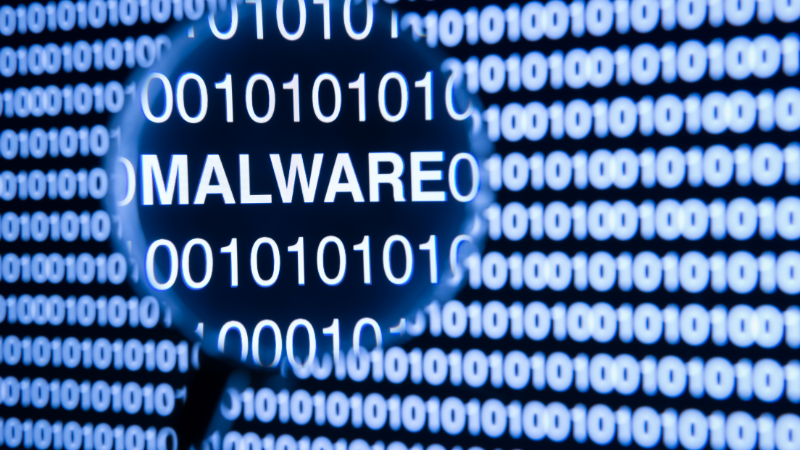
Malware is harmful software that can damage your computer or phone. It can slow down your device, steal your information, and cause serious security problems. Here’s how to spot hidden malware and keep your devices safe.
“Malware” is short for “malicious software.” It refers to any program designed to harm your device or data. Most types of malware are created by cybercriminals looking to steal information, disrupt systems, or make money.
Viruses
Viruses spread from device to device, damaging files and slowing down your system.
Trojans
Trojans pretend to be safe or helpful programs but are actually dangerous. They often steal information or give hackers access to your device.
Ransomware
Ransomware locks or encrypts your files and demands money for their release.
Malware can sneak onto your device in several ways:
Downloading Unsafe Files
Malicious files often hide in downloads that look harmless. Always be cautious about what you click.
Visiting Unsafe Websites
Some websites automatically install malware the moment you visit them.
Opening Suspicious Emails
Hackers send emails with malicious attachments or links. Never open emails from unknown senders.
Malware often works quietly in the background, but here are common signs something is wrong:
Slow Performance
A device that suddenly becomes sluggish may be infected.
Suspicious Pop-Ups
Unexpected pop-ups or ads can indicate malware activity.
High Data Usage
If your data usage spikes or your internet seems unusually slow, malware may be the cause.
Use Antivirus Software
A reputable antivirus program can scan for and remove malware.
Review Your Apps
Scroll through the apps on your device and delete anything unfamiliar or unnecessary.
Check Task Manager
On a computer, open Task Manager and look for programs using large amounts of resources or with strange names.
Inspect Your Browser
Review your browser extensions and remove anything you don’t recognize.
Run a Full Scan
Use your antivirus software to run a complete scan of your device.
Update Your Software
Ensure your operating system and all applications are fully updated.
Change Your Passwords
Update passwords for your important accounts, especially if you suspect a data breach.
Back Up Your Data
Save your essential files to a secure cloud service or external drive.
Keep Software Updated
Regularly updating your operating system and apps helps block new threats.
Be Cautious About What You Click
Only download files or click links from trusted sources.
Use Strong Passwords
Create long, unique passwords for each account to protect your information.
Use Antivirus Software
Install and regularly run a trusted antivirus tool.
Malware can be intimidating, but you can protect yourself with the right tools and habits. Stay alert, browse safely, and keep your devices updated. If you need help with malware removal or want to improve your cybersecurity, contact Waterdog Tech Solutions—we’re here to keep you safe in the digital world.
Article used with permission from The Technology Press.